Why one carrier is not always enough
Algeria’s delivery market is rich: national companies, e-commerce specialists, networks of pickup offices. Each has strengths — dense coverage in some wilayas, a good rate in the north, a strong presence in the south, tracking that is more or less detailed.
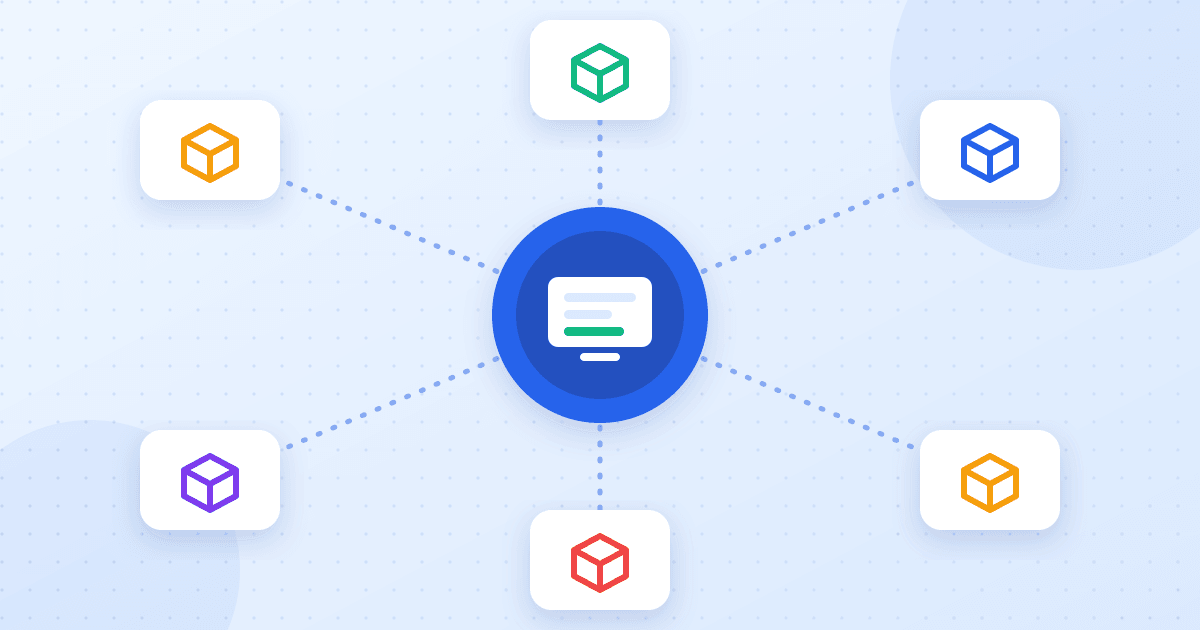
Relying on one means accepting its weaknesses: a badly served wilaya, a delay at peak time, an outage in their system. Working with two or three carriers, choosing by destination, protects your delivery rate — as long as you do not multiply data entry and tabs.
That is exactly what connecting several carriers to one tool solves.
The carriers you can connect
Ecomly offers more than thirty Algerian carrier connections. Among the most used:
- Yalidine and the carriers that share its platform (Guepex, EasyAndSpeed);
- Zimou Express;
- Maystro Delivery;
- ZR Express;
- Noest;
- E-com Delivery;
- DHD and all carriers of the EcoTrack family.
You connect from the “Delivery” page: paste the credentials the carrier gave you and the carrier’s card turns “connected”. Credentials are encrypted at rest, and the list of available carriers may vary with your plan.
Shipping: from order to label in one click
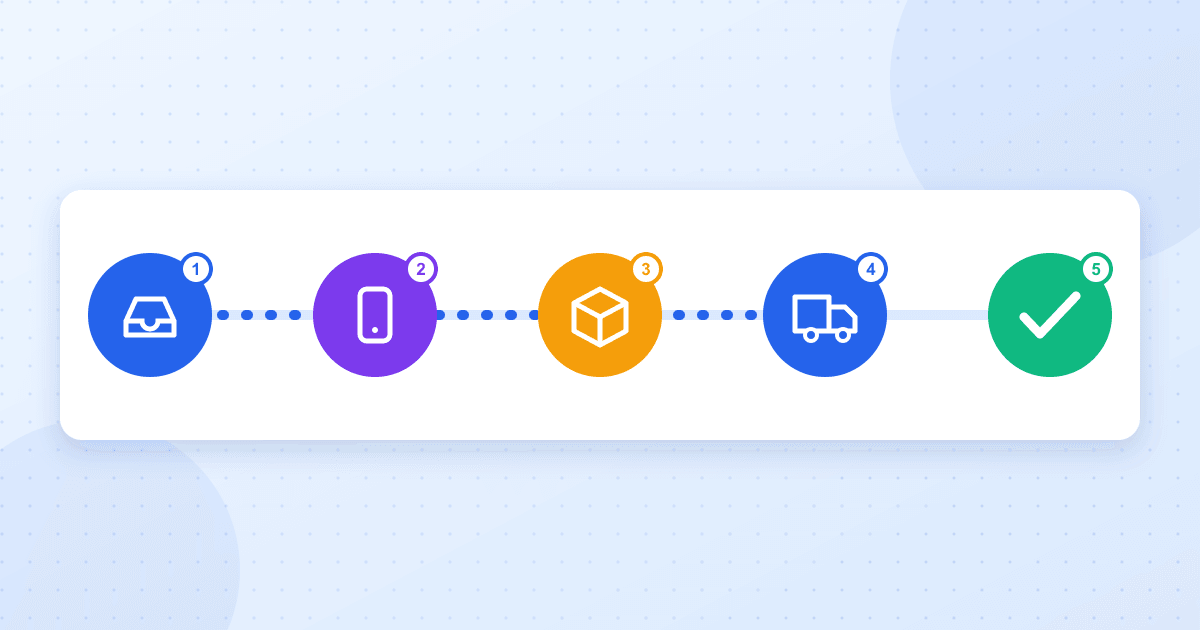
Once the order is confirmed, sending it to the carrier needs no re-typing: name, phone, wilaya, commune, address, product and amount to collect are already on the order. You pick the carrier (or keep the default) and Ecomly:
- checks the required fields and shows what is missing before sending;
- creates the parcel at the carrier, one at a time or for a whole selection;
- fetches the tracking number and the PDF label to print;
- deducts the product’s stock when the order moves to “Shipped”.
For stop-desk delivery, the pickup office is chosen from the carrier’s list without leaving the order.
Delivery prices per wilaya
Each carrier has its own grid. Ecomly lets you enter the delivery price per wilaya, separately for home delivery and stop-desk pickup, so it can be included (or not) in the total shown to the customer on your sales pages. When the carrier exposes its rates through an interface, you can fetch them instead of re-typing.
These prices then feed your margin: a product that is profitable in Algiers may stop being so at the other end of the country once delivery is deducted.
Track without opening ten websites
Carriers’ statuses do not look alike: each has its own vocabulary. Ecomly brings them back into the order and maps them to your statuses — shipped, delivered, returned — so your statistics speak one language whatever the carrier. Depending on the carrier, updates arrive by synchronisation or by webhook; the link is shown on the carrier’s page when there is one to enter.
The follow-up centre takes over for what is stuck: a motionless parcel, an unreachable customer, a return in progress. See our returns-reduction protocol.
Compare your carriers using your own numbers
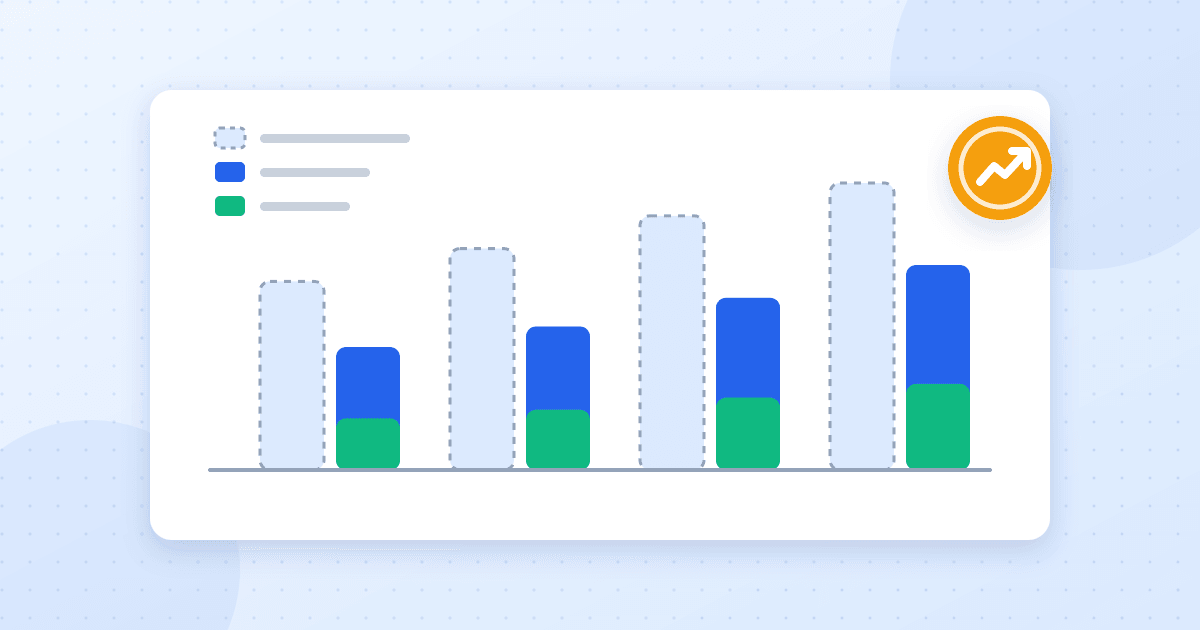
Public comparisons age quickly, and a carrier can be excellent in Oran and disappointing in Béchar. The only reliable comparison is yours:
- split a modest volume between two carriers on the same wilayas;
- allow enough time for parcels to reach an outcome (delivered or returned);
- open the statistics, filter by carrier then by wilaya, and compare the delivery rate (delivered ÷ delivered + returned);
- cross it with the delivery price to keep the best result-to-cost ratio, per wilaya.
The outcome may well be “carrier A for the north, carrier B for the south”. That decision beats any general ranking.
Connecting a carrier: the checklist
- Get your credentials (API key, token or login depending on the carrier) from them.
- Open “Delivery”, click the carrier’s card and paste them.
- If a webhook link is shown, copy it into the carrier’s dashboard.
- Set prices per wilaya, home and stop-desk.
- Ship a single test order, check the label and the status that comes back.
- Then scale up, or connect a second carrier to compare.
The full cycle, from order arrival to payment, is described in our COD order management guide.