Why cash on delivery changes everything
In Algeria, most online purchases are paid on delivery. For the seller, that changes what an “order” is: when it arrives, nobody has paid yet. It is a promise to buy, not a sale.
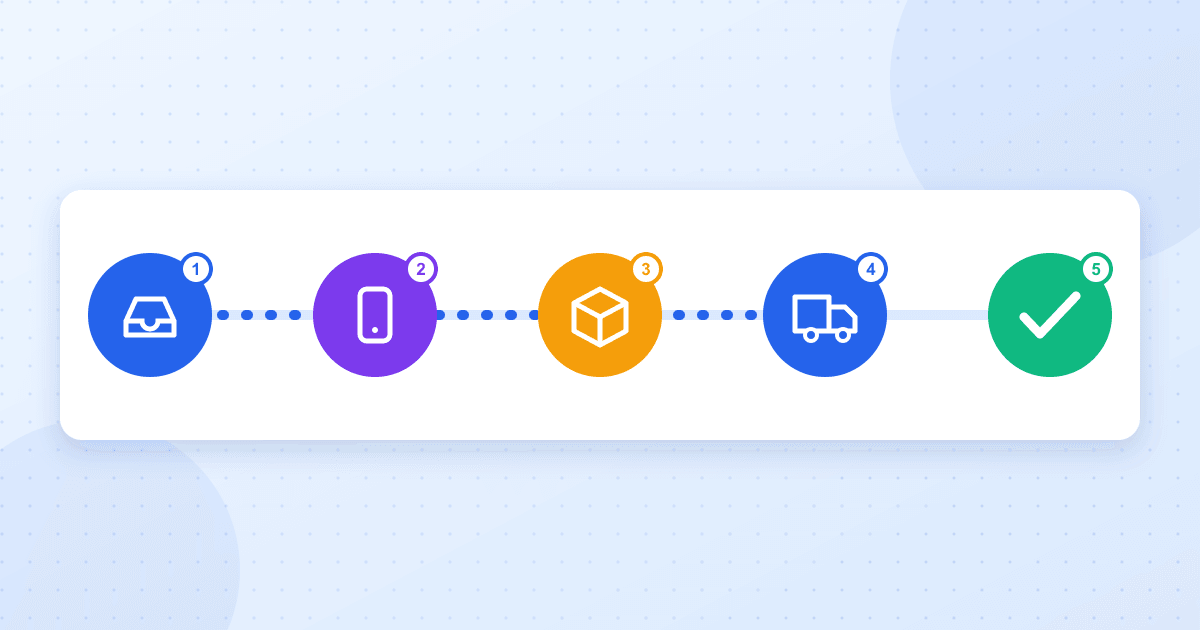
Between that promise and cash in hand there is a chain: the order arrives, you check it is real, you call the customer, you ship, you track the parcel, the courier collects, the carrier pays you out. If one link breaks, the sale disappears and the costs remain. That is why running COD looks less like a till and more like end-to-end logistics.
The classic trap is running it on a spreadsheet and a handful of carrier tabs. Every re-typing is a chance for a mistake, and nobody has a single view of “where are my orders”.
Stage 1: bring every order into one place
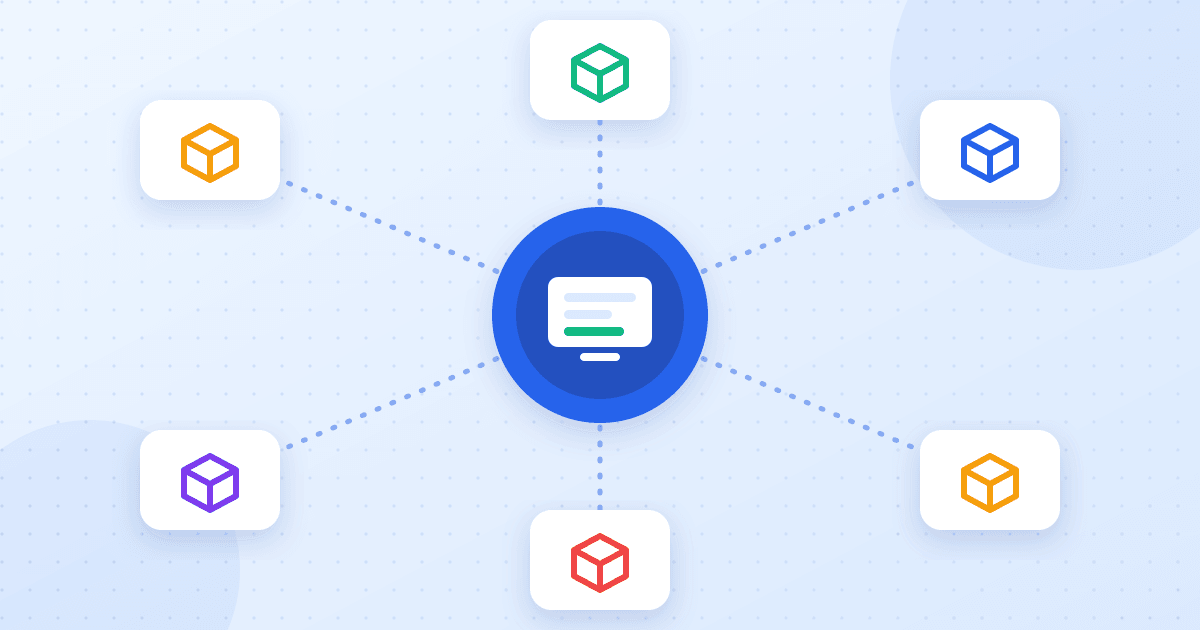
Orders rarely come from one source: a YouCan or Shopify store, a WooCommerce site, a sales page tied to an ad, a Google Sheets form, orders taken on Messenger or WhatsApp, an Excel file from a partner.
Ecomly centralises them in a single list:
- Stores: YouCan, Shopify, WooCommerce and Ayor connect from the “Stores & Apps” page; new orders arrive live.
- Google Sheets and files: sync a sheet with column mapping, or import an Excel/CSV file in three steps.
- Built-in sales pages: Ecomly hosts your product pages and landing pages, with the order form and pixel tracking.
- Manual entry and conversations: a phone order takes a few fields, and conversation import reads a Messenger/WhatsApp thread or a screenshot to pre-fill the order.
Whatever the origin, the order carries the same source label and enters the same status circuit: Pending, Call back, Confirmed, Shipped, Delivered, Returned, Cancelled.
Stage 2: verify, then confirm by phone
Confirmation is the stage with the biggest effect on the final result. It does two things: it weeds out what is not real, and it gets a clear “yes” from the customer before you commit a parcel.
- Before the call: Ecomly flags duplicates and doubtful numbers, so agents do not waste time on orders going nowhere.
- During the call: confirmation mode shows orders one by one, with a timer and one-click statuses — Confirmed, Call back later, Cancelled.
- Distribution: orders can be assigned automatically between agents (round-robin or shared), each agent seeing only theirs.
- Permissions: roles decide who can confirm, edit, ship or delete.
Every change is written to the order’s history — who did what, and when — and can be undone in one click after a slip.
Stage 3: ship without re-typing anything
Once the order is confirmed, everything the carrier needs already exists: name, phone, wilaya, commune, address, product, amount to collect. Ecomly sends it to your carrier — Yalidine, Zimou Express, Maystro, ZR Express, Noest, E-com Delivery, Guepex, DHD or one of the EcoTrack-family carriers — creates the parcel and fetches the label to print, one by one or in bulk.
Two details matter later:
- Stock is deducted when the order moves to “Shipped”, variant by variant, and warns you when it runs low.
- Delivery prices are set per wilaya, for home delivery as well as stop-desk pickup.
The details of connecting carriers are in our delivery guide.
Stage 4: follow the parcel to the end
A shipped parcel is not a delivered parcel. In between, the carrier’s statuses change: in transit, out for delivery, customer unreachable, return. Ecomly brings them back into the order, so you do not open each carrier’s site.
The follow-up centre goes further: it ranks orders that need a human touch — a parcel stuck at the carrier, a customer who does not answer, an order never confirmed — by urgency and value. Your team handles what earns or costs the most first, instead of scrolling a list of 400 rows.
Alerts reach you where you are: the in-app bell, Telegram, and automatic WhatsApp messages to customers through the official API.
Stage 5: measure what was really delivered
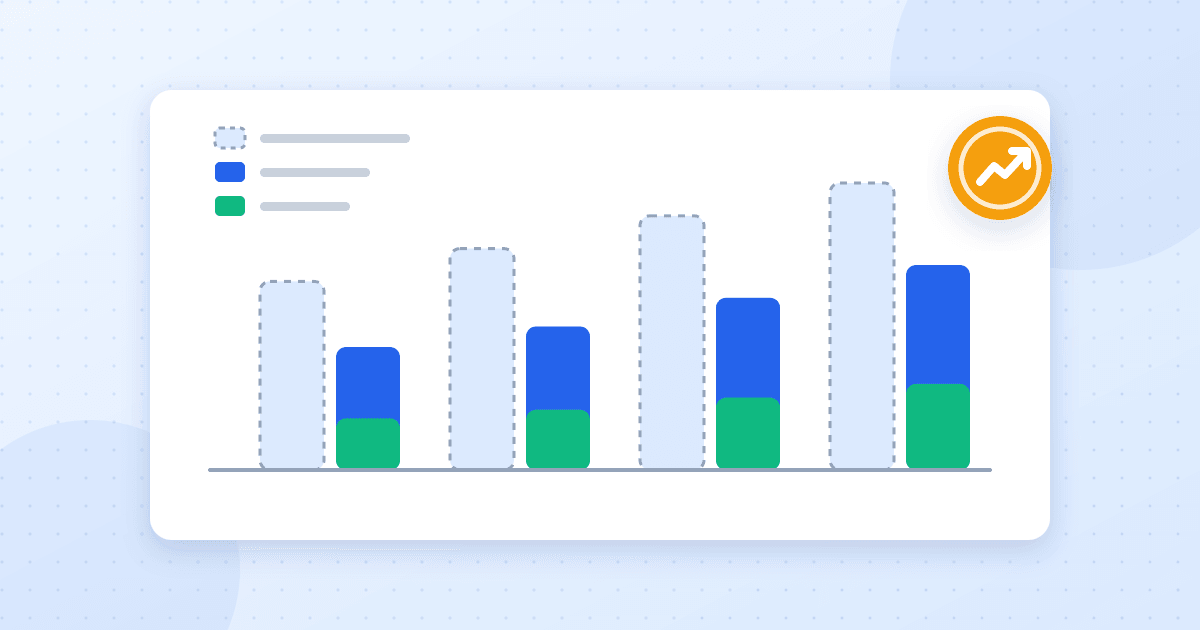
The number that matters in COD is not orders received but what is delivered and collected. Ecomly’s statistics rest on fixed definitions:
- Delivery rate = delivered ÷ (delivered + returned). Parcels still on the road count neither for nor against.
- Confirmation rate = confirmed (or further along) orders ÷ orders received.
- Breakdowns by product, variant, wilaya, commune, agent, carrier and source — to see where sales are lost, not just how many.
By entering a product’s purchase cost and fees you also get its net profit, dated at delivery. The natural next step is in our article on real ROAS.
Where to start: a realistic first week
- Connect your main source (store, Google Sheets or Ecomly pages) from “Stores & Apps”.
- Add your carrier and set prices per wilaya.
- Invite your agents with suitable roles, and turn on order distribution.
- Connect Telegram for new orders and status changes.
- Ship five orders end to end, then open the dashboard: that is where you will see your first real delivery rate.
For week two, tackle returns with our four-layer protocol.